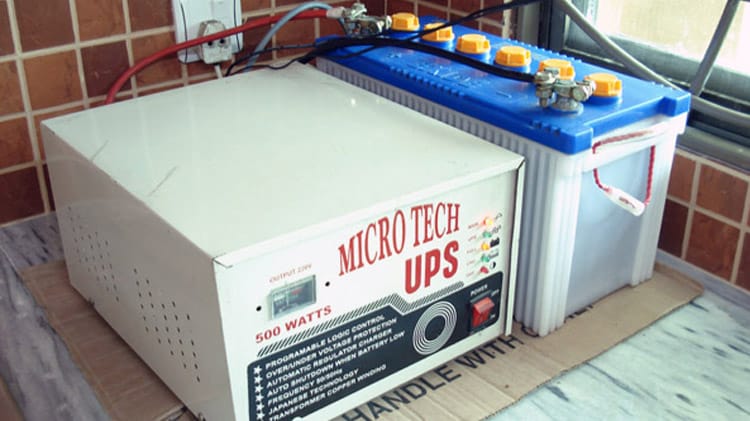
Power outages rarely happen at a convenient time. A sudden shutdown can damage computers, interrupt business operations, corrupt files, or stop critical equipment from running. That is why many homes and businesses rely on an uninterruptible power supply, commonly called a UPS.
One of the most searched questions about UPS systems is simple: “How many hours can a UPS last?” The answer depends on several technical and practical factors, including battery capacity, load size, device type, and UPS technology.
Understanding uninterruptible power supply hours helps buyers choose the right backup solution instead of relying on guesswork. A small UPS may keep a Wi-Fi router alive for hours, while the same unit could power a gaming PC for only a few minutes. Runtime changes dramatically depending on what is connected.
This guide explains UPS backup hours in detail, how runtime is calculated, what affects battery life, and how to extend UPS performance safely. It also covers common use cases for home offices, medical equipment, security systems, data centers, and industrial environments so readers can make informed decisions before buying a UPS system.
What Is an Uninterruptible Power Supply?
An uninterruptible power supply is a battery-powered device that provides temporary electricity during power interruptions. Unlike a generator, a UPS delivers power instantly without startup delay.
A UPS system normally sits between the wall outlet and connected equipment. When electricity from the utility grid fails, the UPS battery automatically supplies backup power. This process protects devices from:
- Sudden shutdowns
- Voltage fluctuations
- Power surges
- Brownouts
- Data loss
- Hardware damage
UPS systems are widely used for:
- Desktop computers
- Gaming PCs
- Servers
- Medical devices
- CCTV systems
- Network equipment
- Retail systems
- Industrial automation
- Telecommunications equipment
Most consumers focus on UPS wattage when buying a unit, but runtime hours matter just as much. A high-capacity UPS may still provide only short backup time if the connected equipment consumes large amounts of electricity.
What Does “UPS Backup Hours” Mean?
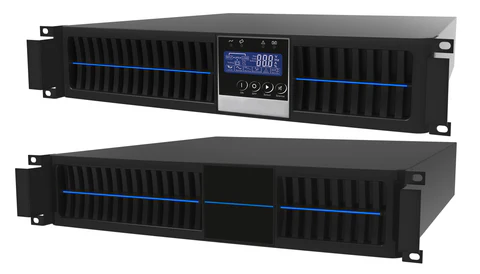
UPS backup hours refer to the amount of time a UPS can power connected devices after the main electricity supply stops.
Runtime is usually measured in:
- Minutes
- Hours
- Watt-hours
- Amp-hours
Manufacturers often advertise estimated runtime under specific load conditions. For example:
| UPS Capacity | Typical Load | Estimated Runtime |
|---|---|---|
| 600VA UPS | Wi-Fi Router | 3–5 Hours |
| 1000VA UPS | Desktop PC | 20–45 Minutes |
| 1500VA UPS | Gaming PC | 10–25 Minutes |
| 3000VA UPS | Server Rack | 15–40 Minutes |
| Large Industrial UPS | Critical Systems | Several Hours |
Actual runtime can vary significantly based on battery health, room temperature, and power consumption.
How UPS Runtime Is Calculated
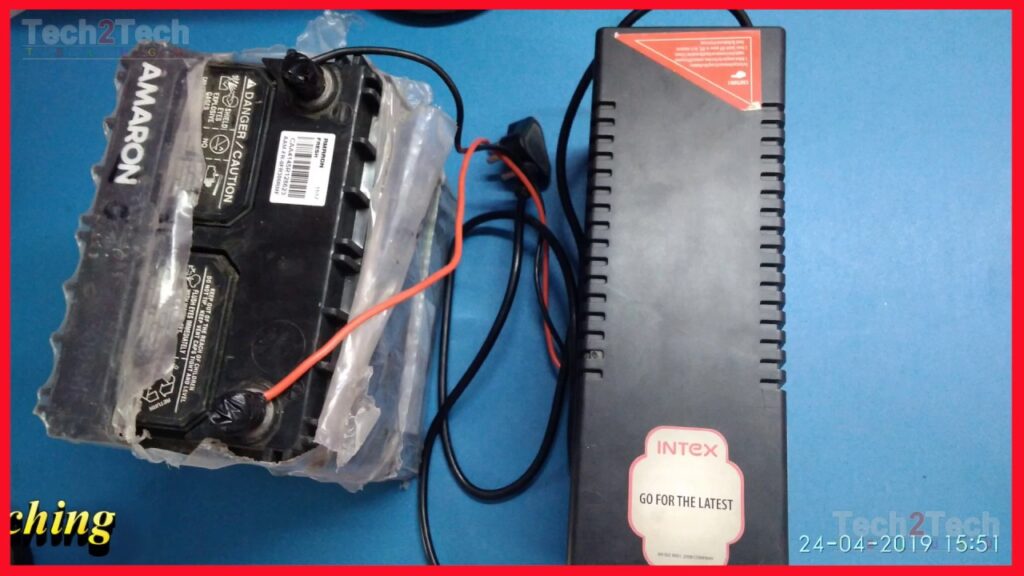
UPS runtime depends mainly on battery capacity and electrical load. The larger the battery and the smaller the connected load, the longer the UPS will operate.
A simplified formula often used is:
UPS Runtime (hours)=Power Consumption (W)Battery Capacity (Wh)
For example, if a UPS has a 600Wh battery and connected equipment consumes 100 watts:
100W600Wh=6 hours
Real-world runtime is usually lower because of inverter losses and battery efficiency limitations.
Most UPS systems operate at roughly 80% to 90% efficiency. That means actual runtime may be closer to 5 hours instead of the calculated 6 hours.
Main Factors That Affect Uninterruptible Power Supply Hours
Battery Capacity
Battery capacity is the biggest factor affecting runtime. Larger batteries store more energy and provide longer backup time.
UPS battery capacity is commonly measured in:
- Ah (amp-hours)
- Wh (watt-hours)
A UPS with dual batteries generally lasts longer than a single-battery unit. Enterprise UPS systems may use external battery packs for extended runtime lasting several hours.
Lithium-ion batteries also tend to provide better energy density than traditional sealed lead-acid batteries.
Connected Load
The number of devices connected to the UPS directly impacts runtime.
Examples of typical power usage:
| Device | Average Power Consumption |
|---|---|
| Wi-Fi Router | 10W–20W |
| Laptop | 40W–90W |
| Desktop Computer | 200W–600W |
| Gaming PC | 500W–1000W |
| LCD Monitor | 20W–60W |
| Server | 400W–1200W |
A UPS running only a modem and router can last many hours. The same UPS powering a gaming setup may drain in minutes.
Battery Age
UPS batteries degrade over time. Most sealed lead-acid batteries last:
- 3 to 5 years for home use
- 5 to 8 years for enterprise systems
Older batteries lose storage capacity, reducing backup hours significantly.
A UPS that originally provided 2 hours of runtime may later offer only 45 minutes if batteries are not replaced.
Temperature
Heat damages UPS batteries faster than most users realize.
Ideal UPS operating temperature is usually around:
- 20°C to 25°C
High temperatures accelerate battery wear and reduce runtime. Cold temperatures can also temporarily lower battery performance.
UPS Efficiency
Not all UPS systems convert stored battery energy equally.
Three common UPS types include:
| UPS Type | Efficiency | Best Use |
|---|---|---|
| Standby UPS | Basic | Home PCs |
| Line-Interactive UPS | Moderate | Offices |
| Online Double-Conversion UPS | High Protection | Data Centers |
Online UPS systems offer the best power quality but may consume more energy continuously.
How Long Different UPS Systems Usually Last
Small Home UPS Runtime
Small UPS units are commonly used for routers, CCTV systems, and personal computers.
Typical runtime:
- Router only: 4–8 hours
- Laptop + router: 2–4 hours
- Desktop PC: 15–45 minutes
These UPS systems are affordable and compact but designed mainly for temporary backup.
Office UPS Runtime
Office UPS systems support workstations, networking devices, and communication systems.
Average backup time:
- Small office setup: 30 minutes to 2 hours
- Networking equipment: 2–6 hours
Many offices use UPS units mainly to save work safely before shutdown or generator activation.
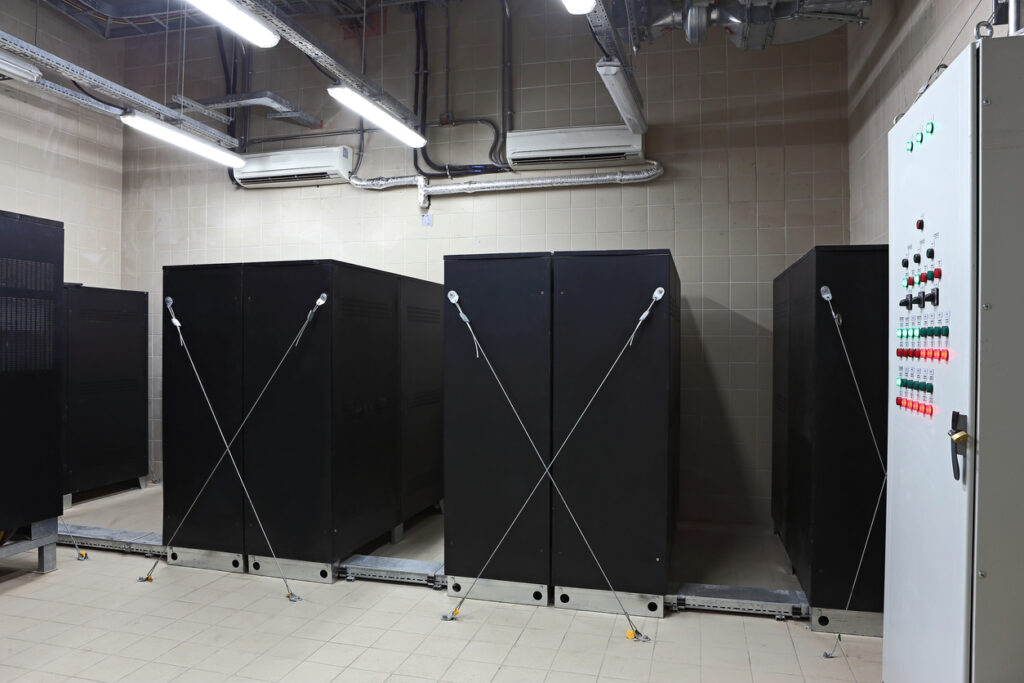
Server UPS Runtime
Data centers and server rooms usually rely on online UPS systems.
Typical runtime:
- 10–30 minutes without generators
- Several hours with external battery banks
The goal is usually business continuity rather than long standalone operation.
Industrial UPS Runtime
Industrial UPS systems protect manufacturing plants, hospitals, and telecom infrastructure.
Runtime may range from:
- 1 hour
- 4 hours
- 24 hours or more with large battery systems
These installations often integrate with diesel generators for extended emergency operation.
UPS Runtime vs Generator Runtime
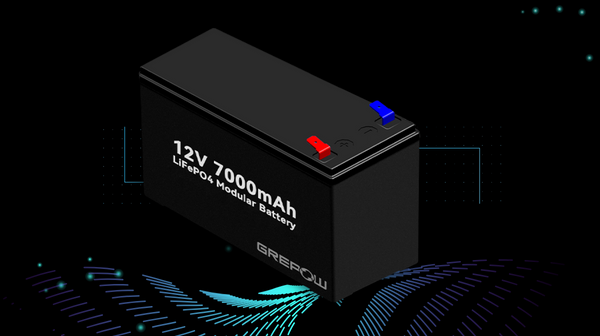
Many people confuse UPS backup hours with generator operation.
A UPS:
- Starts instantly
- Uses batteries
- Provides clean electricity
- Has limited runtime
A generator:
- Requires startup time
- Uses fuel
- Can operate for long periods
- May create voltage fluctuations
In many commercial environments, the UPS bridges the gap until generators become operational.
How to Increase UPS Backup Hours
Reduce Power Consumption
Lower connected load to extend runtime.
Helpful methods include:
- Disconnect unnecessary devices
- Use energy-efficient monitors
- Turn off RGB lighting
- Enable power-saving modes
Reducing even 50 watts can noticeably improve runtime.
Add External Battery Packs
Some UPS systems support expansion batteries.
Additional battery packs can:
- Double runtime
- Triple runtime
- Extend operation for several hours
This is common in network infrastructure and medical systems.
Upgrade to Lithium-Ion UPS
Lithium-ion UPS batteries:
- Charge faster
- Last longer
- Handle deeper discharge cycles
- Require less maintenance
Although more expensive initially, they often provide better long-term value.
Use Correct UPS Sizing
Oversized and undersized UPS systems both create problems.
A properly sized UPS should generally operate at:
- 40% to 80% load
Running too close to maximum capacity reduces runtime sharply.
Common Mistakes When Estimating UPS Hours
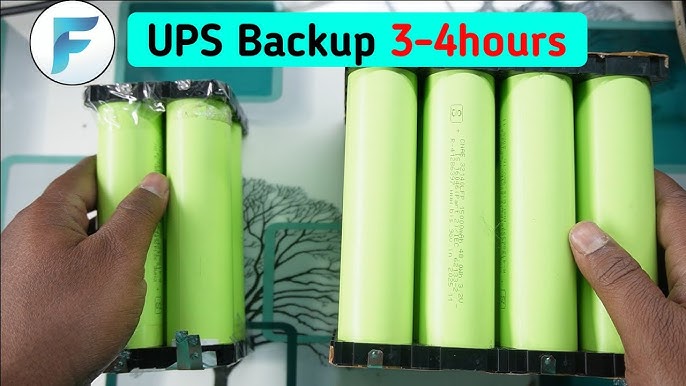
Ignoring Startup Power Spikes
Devices like gaming PCs and laser printers draw extra power during startup.
These surges reduce UPS efficiency and runtime.
Believing Advertised Runtime Blindly
Manufacturers often publish ideal conditions.
Actual runtime may differ because of:
- Battery age
- Room temperature
- Real-world loads
- Poor ventilation
Always check runtime charts under realistic usage conditions.
Connecting High-Power Appliances
UPS systems are not designed for:
- Refrigerators
- Air conditioners
- Electric heaters
- Microwaves
These appliances overload most UPS units quickly.
Skipping Battery Maintenance
Neglected batteries lose capacity faster.
Basic maintenance includes:
- Regular testing
- Battery replacement
- Dust cleaning
- Temperature monitoring
Best UPS Types for Different Uses
Home Office
Recommended features:
- Line-interactive UPS
- AVR voltage regulation
- USB monitoring software
- 30–60 minute runtime
Gaming Setup
Recommended features:
- Pure sine wave output
- High wattage support
- Fast transfer time
Gaming systems often need larger UPS units because graphics cards consume substantial power.
Small Business
Look for:
- Network management
- Hot-swappable batteries
- Surge protection
- Extended battery options
Medical Equipment
Medical-grade UPS systems require:
- Stable voltage output
- Reliable battery systems
- Long runtime
- Safety certifications
Healthcare environments cannot tolerate sudden shutdowns.
Understanding VA vs Watts in UPS Systems
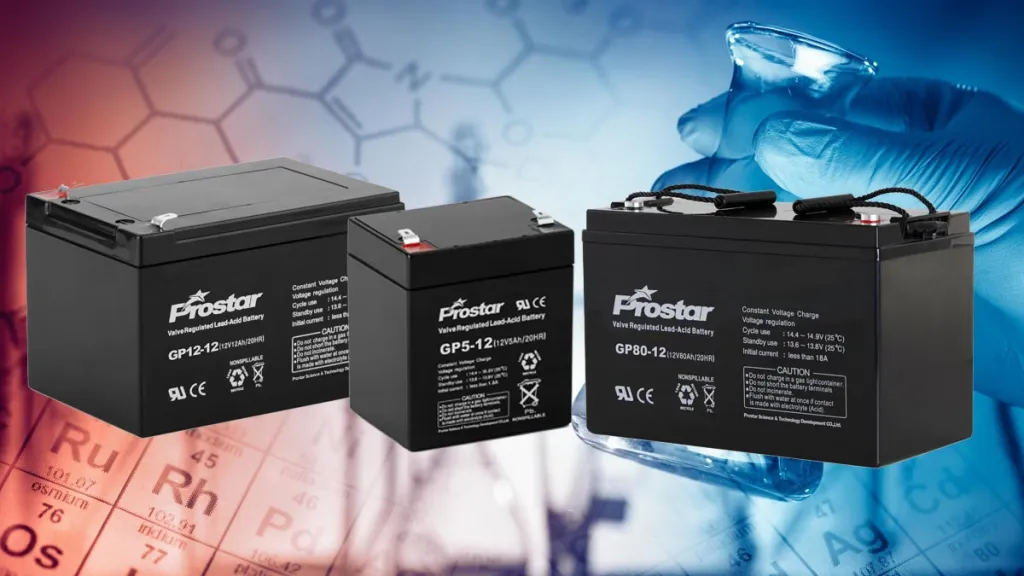
One of the most confusing UPS concepts is VA rating.
VA means volt-amperes, while watts measure actual power consumption.
Many UPS systems advertise both values.
Example:
| UPS Rating | Approximate Watt Capacity |
|---|---|
| 600VA | 360W |
| 1000VA | 600W |
| 1500VA | 900W |
| 2200VA | 1980W |
Buying a UPS based only on VA can lead to overload problems.
Always calculate real watt requirements before purchasing.
UPS Battery Technologies Compared
Sealed Lead-Acid Batteries
Advantages:
- Affordable
- Widely available
- Reliable
Disadvantages:
- Heavier
- Shorter lifespan
- Sensitive to heat
Lithium-Ion Batteries
Advantages:
- Longer lifespan
- Faster charging
- Better efficiency
- Lower maintenance
Disadvantages:
- Higher upfront cost
Lithium-ion UPS systems are becoming increasingly common in modern IT infrastructure.
Signs Your UPS Battery Needs Replacement
Watch for these warning signs:
- Shorter backup time
- UPS beeping continuously
- Battery warning lights
- Overheating
- Swollen battery casing
- Unexpected shutdowns
Ignoring failing batteries increases the risk of equipment damage during outages.
UPS Maintenance Tips for Longer Runtime
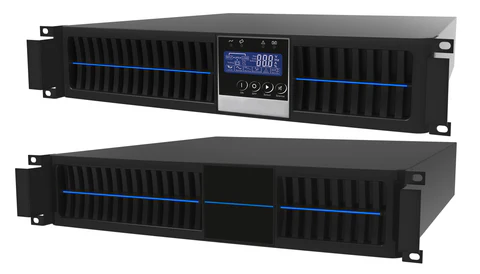
Routine maintenance helps preserve backup hours and battery health.
Best practices include:
- Test batteries monthly
- Keep airflow unobstructed
- Replace batteries on schedule
- Avoid overloading
- Store UPS in cool environments
- Update firmware if applicable
Enterprise environments often schedule preventive maintenance every quarter.
Future Trends in UPS Technology
UPS technology continues evolving as energy storage improves.
Emerging developments include:
- Smart UPS monitoring
- AI-based battery diagnostics
- Cloud management systems
- Lithium iron phosphate batteries
- Energy-efficient inverter technology
- Renewable energy integration
Modern UPS systems now integrate with solar systems and smart home energy management platforms.
FAQ Section
How many hours can a UPS run?
UPS runtime can range from a few minutes to several hours depending on battery capacity and connected load. Small home UPS systems may last 30 minutes, while enterprise systems with battery banks can run for many hours.
Can a UPS run all night?
Yes, but only with low-power devices or large battery capacity. A UPS supporting only a router and modem may operate overnight, while a gaming PC usually drains batteries much faster.
What affects UPS backup time the most?
The biggest factors are battery capacity, device power consumption, battery age, and UPS efficiency.
Is a bigger UPS always better?
Not necessarily. Oversized UPS systems cost more and may operate inefficiently under very small loads. Proper sizing is more important than simply buying the largest unit available.
How often should UPS batteries be replaced?
Most UPS batteries should be replaced every 3 to 5 years depending on usage, environment, and battery type.
Can I connect a refrigerator to a UPS?
Most consumer UPS systems are not designed for refrigerators because compressors require high startup power.
Does a UPS increase electricity bills?
A UPS consumes some electricity for charging and internal operation, but the increase is usually modest for home users.
What is the difference between standby and online UPS?
Standby UPS systems switch to battery during outages, while online UPS systems continuously power equipment through the inverter for cleaner and more stable electricity.








Leave a Reply